


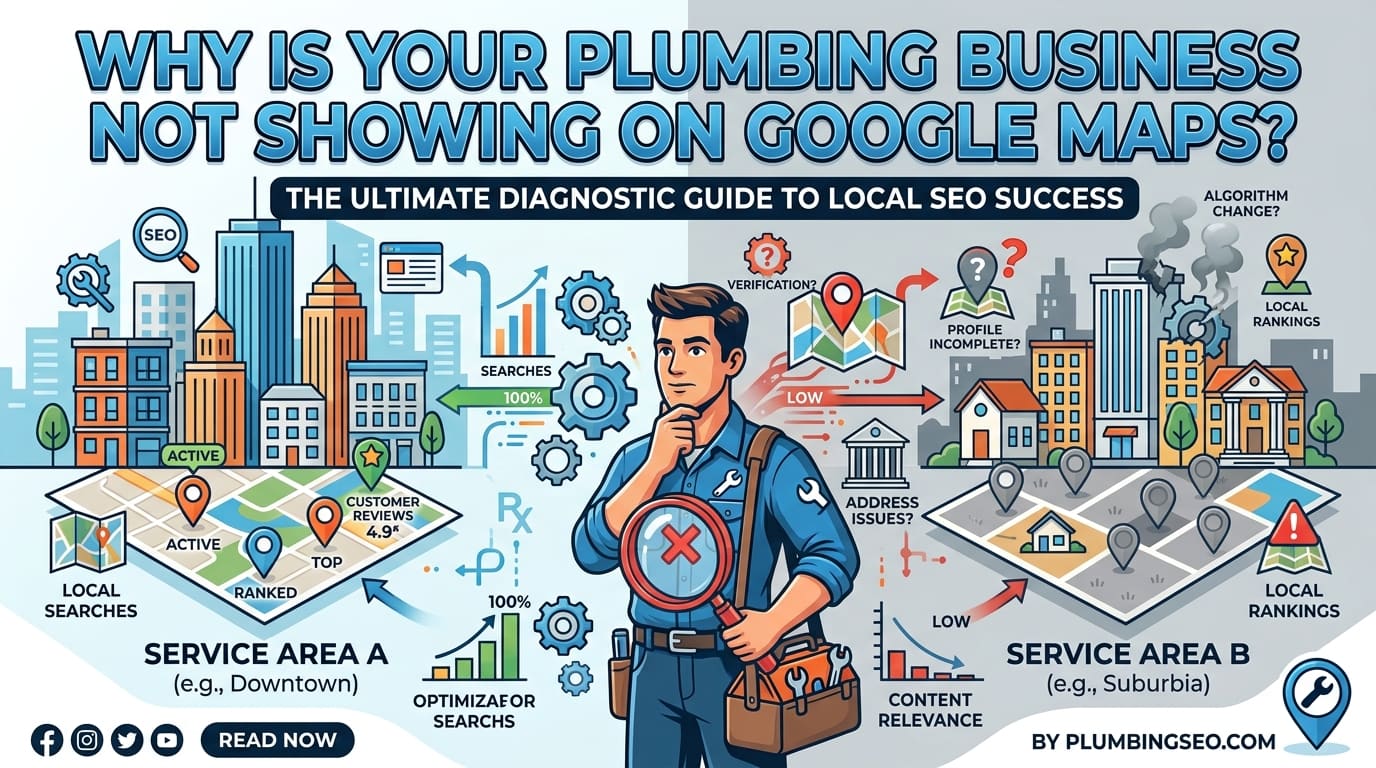
If your plumbing business is not showing on Google Maps, first check whether the profile is missing entirely or simply absent from the results for searches such as “plumber near me”.
These are different problems. A missing or restricted profile needs an account and eligibility check. A live profile that appears for your business name but not for plumbing searches needs a local visibility review.
Start with the checks below before creating another listing or changing several settings.
1. Check whether your profile is missing or ranking poorly
Search Google Maps for your exact business name and town. Then open your profile’s direct Maps link, if you have one.
Next, search for a relevant service from a location your business genuinely covers.
| What you find | What to investigate |
|---|---|
| Your profile opens, but does not appear for “plumber near me” | Search relevance, distance and competition |
| Your business appears for its name but not general plumbing searches | Categories, business information and local visibility |
| The direct link does not show the expected business | Profile status, duplicate listings or account issues |
| The management screen requests verification | Complete the verification process |
| The management screen shows a suspension or restriction | Follow the relevant recovery process |
| An old listing appears instead | Ownership, outdated information and duplicates |
Record the search term, location and date. “We do not appear for emergency plumber from this postcode” is more useful than “we are not on Google”.
2. Make sure you are managing the correct profile
Sign in with the Google account that owns or manages the business.
Check that the profile has the correct:
- Business name.
- Phone number.
- Website.
- Business location or service area.
- Ownership and management access.
If another person originally created the listing, establish who controls it before making changes.
Do not create a replacement profile simply because the existing one is difficult to access. First investigate ownership and whether a listing already exists.
3. Check verification and any outstanding requests
Look for a verification request or another action Google requires.
Google’s guidance says businesses should add or claim their profile and verify it to manage how they appear on Search and Maps. Follow the verification method offered in your account. Google Business Profile Help
Keep a record of what you submitted and any confirmation received.
If the process remains unresolved, use the available support route rather than repeatedly creating new listings.
Verification and ranking are separate checks. Completing verification does not mean your business will appear first for every plumbing search.
4. Check for a suspension or profile restriction
If the account shows a suspension, disabled profile or other restriction, address that issue before working on rankings.
A practical approach is to:
- Read the notice carefully.
- Review the information on the affected profile.
- Correct any inaccurate or non-compliant details.
- Gather genuine business evidence if requested.
- Follow Google’s applicable appeal instructions.
Use Google’s guidance for suspended or disabled profiles. The steps available can depend on the restriction and your location. Google Business Profile Help
Avoid assuming that a restriction happened because you need more reviews or website content. Establish the account issue first.
5. Check that your business name reflects the real business
Your profile name should match the name customers recognise from your website, branding and business materials.
Do not add phrases such as “best emergency plumber”, several town names or “24-hour plumbing” purely to target searches.
Google requires the real-world business name and warns that unnecessary additions can lead to suspension. Services, hours and coverage belong in their relevant fields. Google Business Profile Help
For example, a fictional business called “Oakfield Plumbing” should not rename its profile “Oakfield Plumbing Best Emergency Plumber London” just to chase visibility.
6. Review your category and service information
Check whether the primary category describes your core business accurately.
For a business mainly providing plumbing, review whether the available Plumber category is appropriate. Add other categories only when they genuinely describe the business.
Google recommends specific categories representing the core business, rather than using categories as extra keywords. Google Business Profile Help
Then review the services listed on the profile.
Check whether they accurately describe what customers can book. Do not advertise emergency call-outs, drainage work or boiler services unless you actually provide them.
A customer looking for a particular job should be able to understand whether your business handles it.
7. Check your address and service area setup
Many plumbers work from a home or operational base and travel to customers. They do not receive customers at that address.
Google says service-area businesses should hide their address from customers. It specifically gives plumbers operating from residential addresses as an example. A rented mailing address where you do not operate is not an eligible business location. Google Business Profile Help
Check that your setup represents how the business works:
| Business arrangement | What to review |
|---|---|
| You travel to customers and do not receive them at your base | Service-area setup and hidden public address |
| Customers genuinely visit your staffed premises | Whether the premises meet Google’s storefront requirements |
| You cover several towns from one base | Accurate coverage without invented branches |
| You have separate operational locations | Eligibility and staffing for each location |
A hidden address does not automatically mean the profile is missing.
Also, do not treat adding a town to your service area as proof that you will rank prominently there. Coverage information and search visibility need separate assessment.
8. Consider where the searcher is located
A plumbing profile can appear for one person and be absent from another person’s results.
Google explains local ranking through relevance, distance and prominence. Relevance concerns how well the business matches the search; distance concerns its proximity to the searcher; prominence concerns how well known it is. Google Business Profile Help
For example, a plumber may appear for a search near their operating area but be less visible from a town farther away.
When checking visibility, record:
- The exact search phrase.
- The search location.
- Whether a location was included in the query.
- Whether the profile appeared lower in the results.
- Whether the direct profile link still worked.
One search from your own phone is not a complete picture of local visibility.
Our local SEO services explain the wider work involved in improving a business’s local search presence.
9. Review whether your website supports the profile
Once you establish that the profile is live and correctly configured, review the linked website.
Check whether visitors can easily confirm:
- The business’s identity.
- The services available.
- The areas genuinely covered.
- How to contact the team.
- The opening hours and booking arrangements.
- Any relevant qualifications you claim.
Open the website link from the profile on a mobile device. Confirm that it reaches the intended page and that contact options work.
A website saying “scheduled plumbing repairs” while the profile advertises round-the-clock emergency work creates confusion for customers.
For help aligning website content with the services you actually offer, see our SEO services for plumbers.
10. Review genuine customer evidence
If your profile is accessible but visibility remains weak, consider how clearly it demonstrates an established business.
Useful material includes genuine customer reviews, accurate photographs and clear information about completed work.
Google states that reviews and positive ratings can help local ranking. They are part of a wider assessment, not a guaranteed route to first place. Google Business Profile Help
Review the customer experience too:
- Can customers recognise the business from its photographs?
- Do reviews discuss services you currently provide?
- Are your responses useful and professional?
- Are contact details easy to find?
- Do enquiries receive a timely response?
Do not invent reviews, completed jobs or local offices to make the profile appear stronger.
11. Keep a record of changes and results
Change only what your checks justify.
Use a simple record:
| Date | Issue found | Action taken | Result to check |
|---|---|---|---|
| Example date | Verification still requested | Completed the offered verification steps | Profile status |
| Example date | Incorrect website link | Updated to the correct destination | Link opens properly |
| Example date | Service information inaccurate | Corrected the advertised services | Public information |
| Example date | Profile live but weak for relevant searches | Reviewed category, website and customer evidence | Visibility across defined searches |
Avoid using a fixed ranking promise or assuming every edit will produce an immediate improvement.
Measure enquiries separately from visibility. A profile view, website click or call-button click is not the same as a confirmed plumbing job.
What should you fix first?
Use this order:
- Access: Confirm you control the correct listing.
- Status: Resolve verification requests or restrictions.
- Accuracy: Review the name, category, address and coverage.
- Visibility: Assess relevant searches from meaningful locations.
- Customer experience: Check the website, contact options and evidence.
- Measurement: Track enquiries and confirmed jobs separately.
If your plumbing business is not showing on Google Maps, identifying the type of problem is the most useful first step. A live profile needs different work from a suspended or unverified one.
For help reviewing your website and local search presence together, explore Big Ben SEO.
You may also find useful: How Should Plumbers Create Pages for Different Service Areas? and What Should a Plumbing Service Page Include?.

Written by
Ammar Rafique, Founder
Ammar started Big Ben SEO in 2019 to give small and medium sized UK businesses honest, practical SEO with clear priorities and reports that show what changed.
About Ammar · LinkedIn